We remain fully operational. Our teams are working around the clock to ensure your deliveries continue safely.

DOWNLOAD THE APP


Customer Services
Copyright © 2025 Desertcart Holdings Limited
DOWNLOAD THE APP


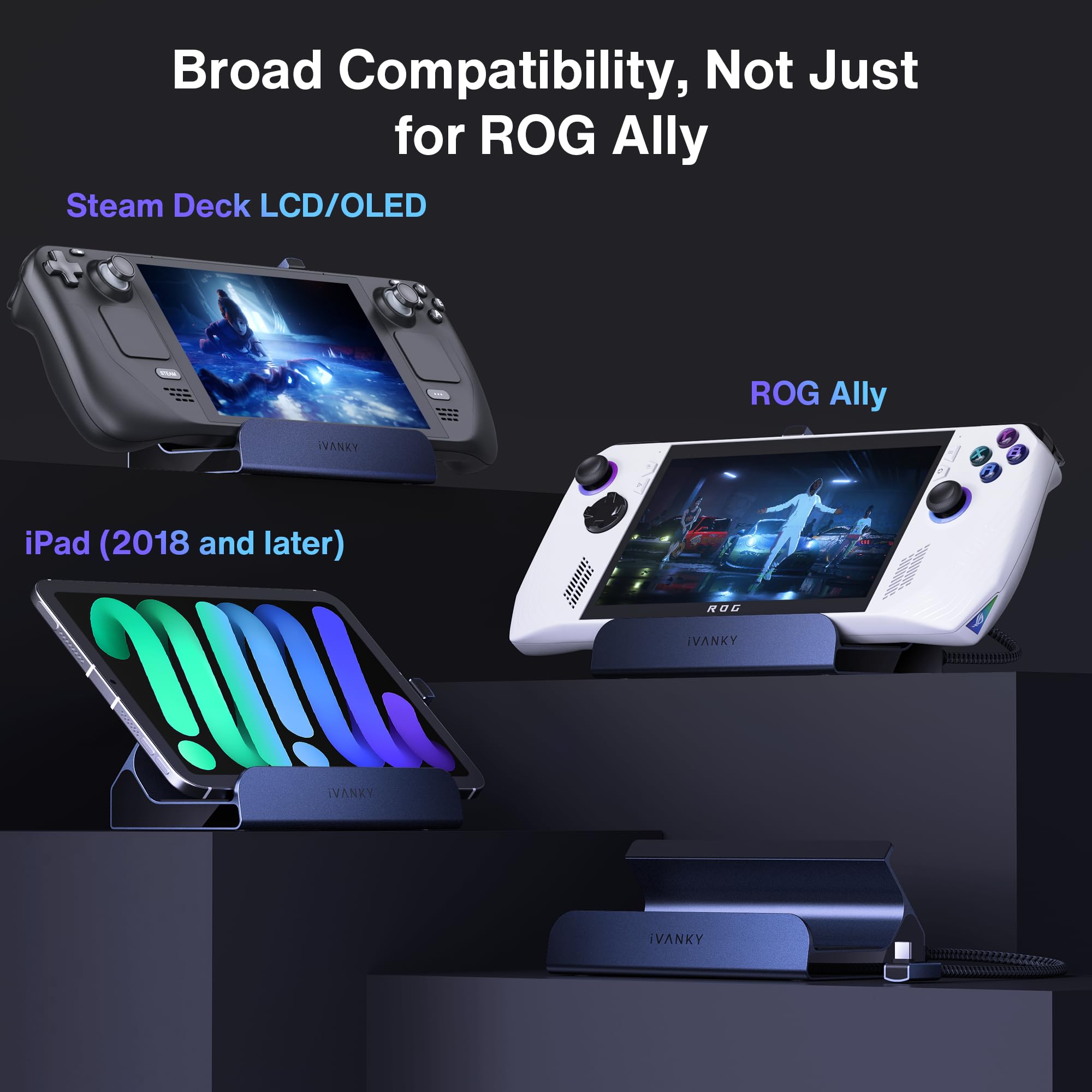

🎯 Elevate your gaming setup — dock, charge, and dominate in 4K clarity!
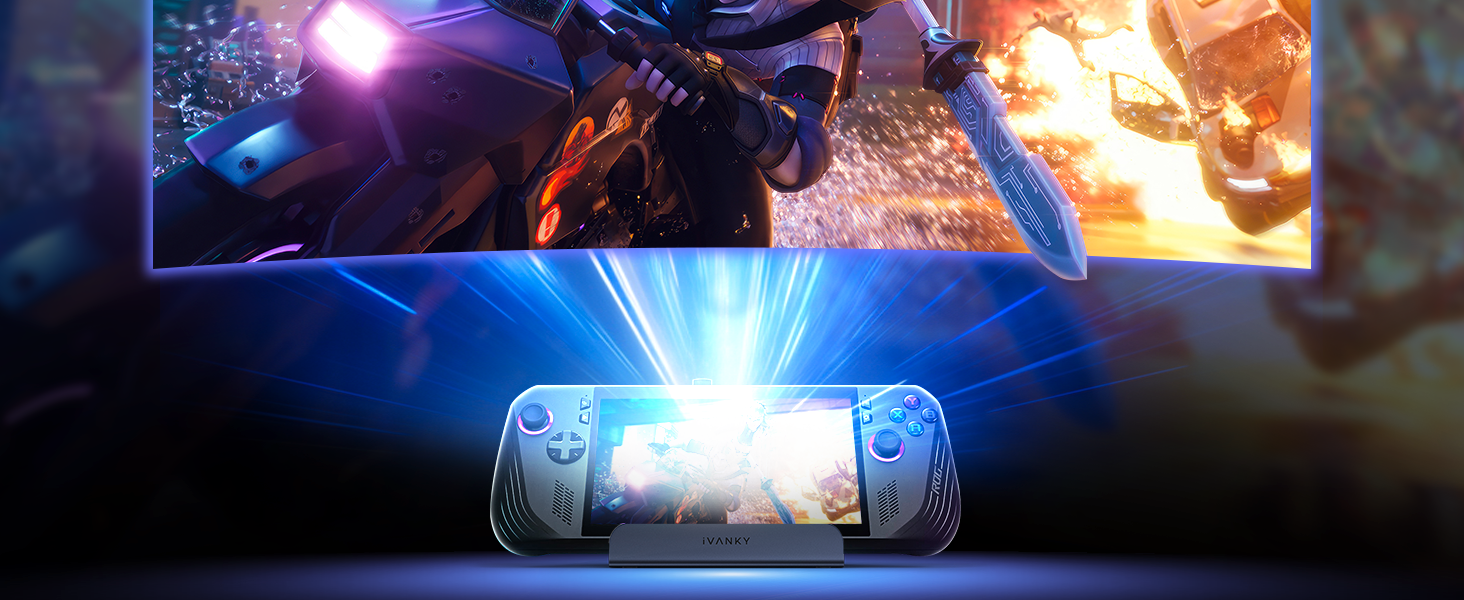
The iVANKY 8-in-1 Docking Station is a powerhouse accessory designed for ROG Ally, Legion Go, and Steam Deck gamers. It delivers blazing-fast 65W USB-C charging, ultra-high-definition 4K@144Hz HDMI output, and reliable 1Gbps Ethernet connectivity. With multiple USB-A 3.0 ports and seamless plug-and-play compatibility, it transforms your portable gaming device into a desktop powerhouse, perfect for professionals who demand performance and style in one sleek hub.


| ASIN | B0CPLW693J |
| Best Sellers Rank | 8,151 in Computers & Accessories ( See Top 100 in Computers & Accessories ) 67 in Docking Stations |
| Guaranteed software updates until | unknown |
| Manufacturer | iVANKY |
| Package Dimensions | 16.1 x 13.2 x 6.3 cm; 450 g |
K**G
Perfect for Legion Go S.
I bought this dock to use with my Lenovo Legion Go S Z2E and straight out of the box it works perfectly. I use the 65 watt charger that came with my Legion to plug into the dock and the dock itself then allows my Legion to sit nicely in position while its being charged or used. Apart from the port to plug your charger into, there are an additional 3 USB type A ports to plug in peripherals and also an HDMI 2.1 port for monitor connection and an ethernet port should you want to connect to your network wired. I currently use two of the USB ports for a mouse and keyboard and I have also used the HDMI port to hook up to my monitor. In use, the streamlined nature of the Steam OS on the Legion make this a very easy plug-and-play solution. As soon as I power up my device, it connects straight away to my monitor. Things are even better when you go into desktop mode as the OS knows that you are docked and it immediately treats the screen of the Legion as an extended desktop screen! The only thing that I have had to set up 'manually' was the audio output as in docked mode the audio defaulted to the Legions speakers rather than the HDMI audio from my monitor. Overall a highly recommended solution for docking your Legion Go S, especially if you wish to take full advantage of the desktop mode offered by Steam OS.
S**M
Some USB-PD related issues, but overall functional with the right supply. A good purchase.
This dock is pretty plug and play and feels well made with plenty of IO ports, but there are some important caveats when I tried it with an ROG Ally: When used with a Dell Laptop 130W USB-C supply, it charges the battery, allowing for 30W Turbo mode. When used with the OEM ROG Ally 65W supply, it charges the battery, allowing for 30W Turbo mode. When used with an Anker A1383 65W Power Bank, it charges the battery, allowing for 30W Turbo mode. When used with an Anker 317 100W USB-C supply, it seems to succeed but slowly discharges the battery, while still allowing 30W Turbo mode for some reason. It gives no warning like you see when you use an inadequate supply (the i over the battery indicator in Armory Crate). I'm unsure of why the USB-PD arbitration results in some chargers failing to deliver the required power, but it seems to be an issue of compatibility between the firmware of the supply and the dock itself, as the Anker 317 is capable of charging an ROG Ally directly without issue when there's no dock in the middle. It's also not a matter of overall power, as the 65W capable power bank was able to run the Ally in 30W Turbo while also charging through the dock. This product works, provided you have the right charger (it does work with the stock ROG Ally 65W supply).
G**V
Ok for price
Works ok, had a couple of random disconnects
B**1
Great little hub with awesome functionality
Bought this so I can run my rog xbox ally on a projector with a connected xbox controller for a little more freedom amd it works perfectly. Fast charges the device and allows me to run the controller freeing up the second usb c port on the device for the hdmi to a projector.
A**A
Love the dock
It works well with my Lenovo Legion Go S (the new Legon Go) and it fits well with my busy desk. The setup was easy, too. The ports are great
R**R
Brilliant gadget
This docking station works perfectly with the new ROG xbox ally, the ally is a bit taller than the dock so you have to place something under the dock to elevate if you're using it for my purpose it but I don't mind. It has been amazing being able to play it on my tv screen.
S**5
Great for the price
The quality of the dock is really impressive for the price and I found set up really easy too. If you’re looking for a cheep rock for your gaming handheld then I recommend this.
M**7
great
works great no complaints
A**K
The docking station type C connector to the handheld sometimes stuck and the angle is very annoying when you try to connect or disconnect the station.
M**T
Sehr gut einfacher gut Hamburg
D**N
Works well for my rog ally (gen 1 black 1tb) no RGB which for me is a plus. Most other docks will recommend a 100watt charger and not come with it (base system came with a 66watt charger) and a 100watt charger from Asus is almost $80 and does not come with extra USB ports. For $80 I got this HDMI compatible dock WITH ETHERNET PLUG IN, EXTRA USB PORTS (this is a must for me since I use a mouse, keyboard, and controller when playing on my monitor or TV in living room), and finnaly A 100WATT CHARGER INCLUDED. I think for your money this is a well worth buy if your like me and want more utility over fancy RGB lighting
J**.
The iVANKY 8-in-1 Docking Station for the ASUS ROG Ally is nothing short of a game-changer. As someone who demands top-notch quality and seamless functionality from my tech accessories, this docking station exceeds expectations on all fronts. Right out of the box, it's clear that iVANKY has put a lot of thought into the design. The sleek and sturdy build is a perfect match for the ROG Ally, complementing its aesthetic while providing a robust and reliable connection. The materials feel premium, and the compact design ensures it doesn’t clutter your workspace—ideal for both gaming and professional setups. Setting it up is a breeze. The plug-and-play functionality ensures that even those who aren't tech-savvy can get it up and running in no time. Simply connect your ROG Ally, and you're ready to go. The docking station instantly expands your device's capabilities with its impressive 8-in-1 features, including HDMI, USB-C, USB-A, SD/TF card readers, and more. Whether you’re connecting to an external monitor, transferring files, or charging multiple devices simultaneously, this dock handles it all with ease. The quality of the connections is impeccable. I experienced zero lag when connecting to my 4K monitor, and data transfer speeds were lightning-fast. The USB-C Power Delivery ensures my devices stay charged without any hiccups, even during intense gaming sessions. Overall, the iVANKY 8-in-1 Docking Station is a must-have accessory for any ASUS ROG Ally owner. It’s a perfect blend of quality, functionality, and ease of use, making it an investment you won’t regret. Highly recommended!
P**A
This dock is simply perfect for my Steam Deck, and based on the description, should support a few other mainstream handheld devices as well. It's just plug-and-play. I plugged the usb-C from the dock to my Steam Deck, plugged in my Steam Deck charger to the dock, plugged the HDMI from my 1440p monitor, and it just worked. One small step I had to do specific for the Steam Deck was to go to the Advanced Display settings and allow Max resolution to whatever your display allows. In my case it was 1440p, but it also showed 4k since my monitor supports 4k even though the true resolution is only 1440p. That's it! Just like that, your handheld device is now essentially a PC.
Trustpilot
3 weeks ago
2 weeks ago